
Configure Elasticsearch on TurboStack
Enable Elasticsearch and set its version at the host level, then optionally tune the JVM heap and plugins.
Where to configure it
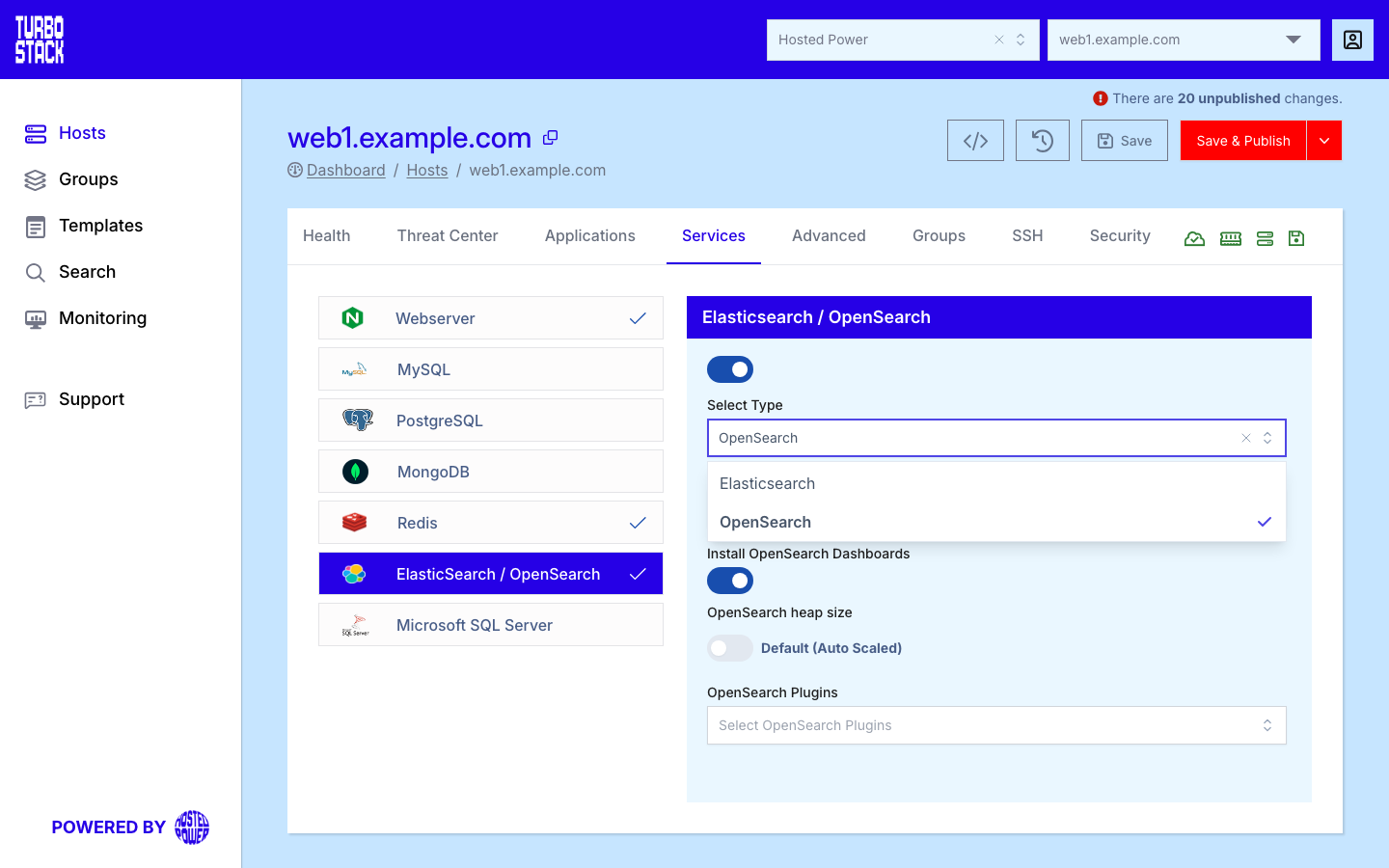
Open the host, go to the Services tab, select ElasticSearch / OpenSearch, and choose Elasticsearch.
YAML configuration
Required
Optional
elasticsearch_version: "8.x"      # required: enable Elasticsearch on the host
# elasticsearch_heap_size: "2g"   # optional: only override with measured evidence
# elasticsearch_kibana: true      # optional: the Kibana web interface
# elasticsearch_network_host: INTERNAL   # optional: private network only, never public
Listening address
By default Elasticsearch accepts connections only from the host itself. Set
elasticsearch_network_host to INTERNAL when another server on the private network must reach
it: that binds the loopback addresses plus the host's private IPv4 addresses. You can also give a
single specific address.
Warning
Never bind Elasticsearch to a public address. It has no authentication of its own, so anything that can reach the port can read and change your indexes.
Kibana
elasticsearch_kibana: true installs Kibana, which you then reach at https://<host>/kibana.
The web server proxies that path and asks for a user name and password first; use one of the
host's system user accounts, the same credentials you use for SSH. Kibana itself is never exposed
directly.
Plugins
Plugins is a multi-select on the Services tab. The list you choose from is maintained by Hosted Power and changes as engine versions come and go, so check the dropdown for what is available today.
Two things happen automatically on the next deployment:
-
Removing a plugin from the list uninstalls it. Every installed plugin that is not in
elasticsearch_pluginsis removed, so treat the field as the complete list of what you want rather than a list of additions. -
Changing the Elasticsearch version reinstalls every plugin, so each one is installed again for the new engine version.
Tip
Choose either Elasticsearch or OpenSearch on a host - not both.