
Configure Kubernetes on TurboStack
How to enable Kubernetes for an application on TurboStack so you can run containerized workloads, and the YAML it produces.
Enabling Kubernetes for an application provisions a lightweight orchestrator so you can run containerized workloads.
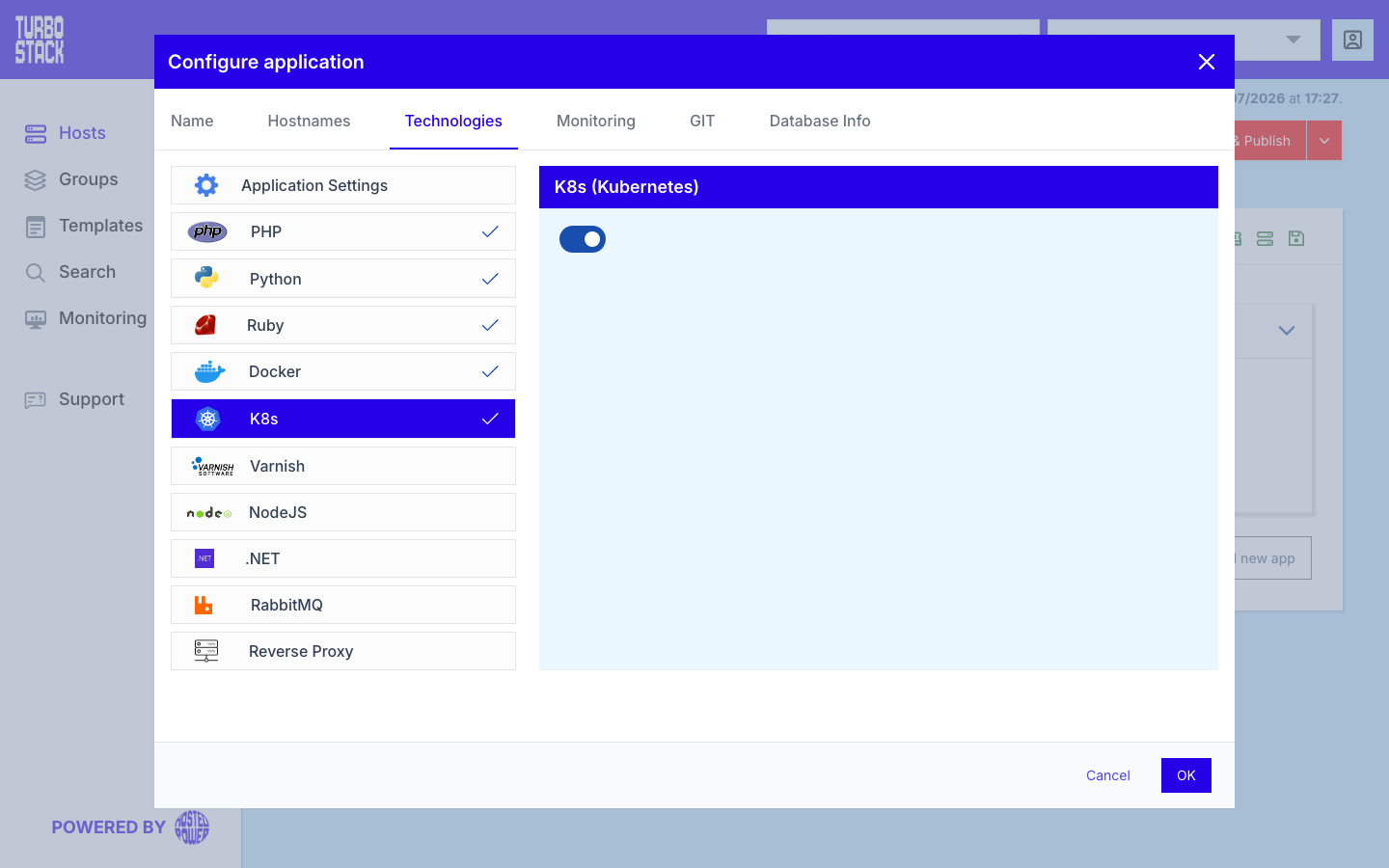
Where to configure it
Kubernetes is enabled per application:
- Open the host and select the application.
- Go to Configure application > Technologies > K8s.
- Enable Kubernetes.
TurboStack provisions the lightweight cluster from there; you then deploy your workloads onto it.
YAML configuration
Required
Optional
There are no additional Kubernetes keys to set in TurboStack - your workloads are described by your own Kubernetes manifests.
# Per-application: run containerized workloads on Kubernetes
k8s_enabled: true
Tip
Kubernetes is intended for platform-grade applications such as GitLab and Advanced Database Monitoring. For these, follow the application guidance in GitLab and Advanced Database Monitoring.