
Configure MongoDB on TurboStack
Enable MongoDB on the host that needs it and pin the version you want to run.
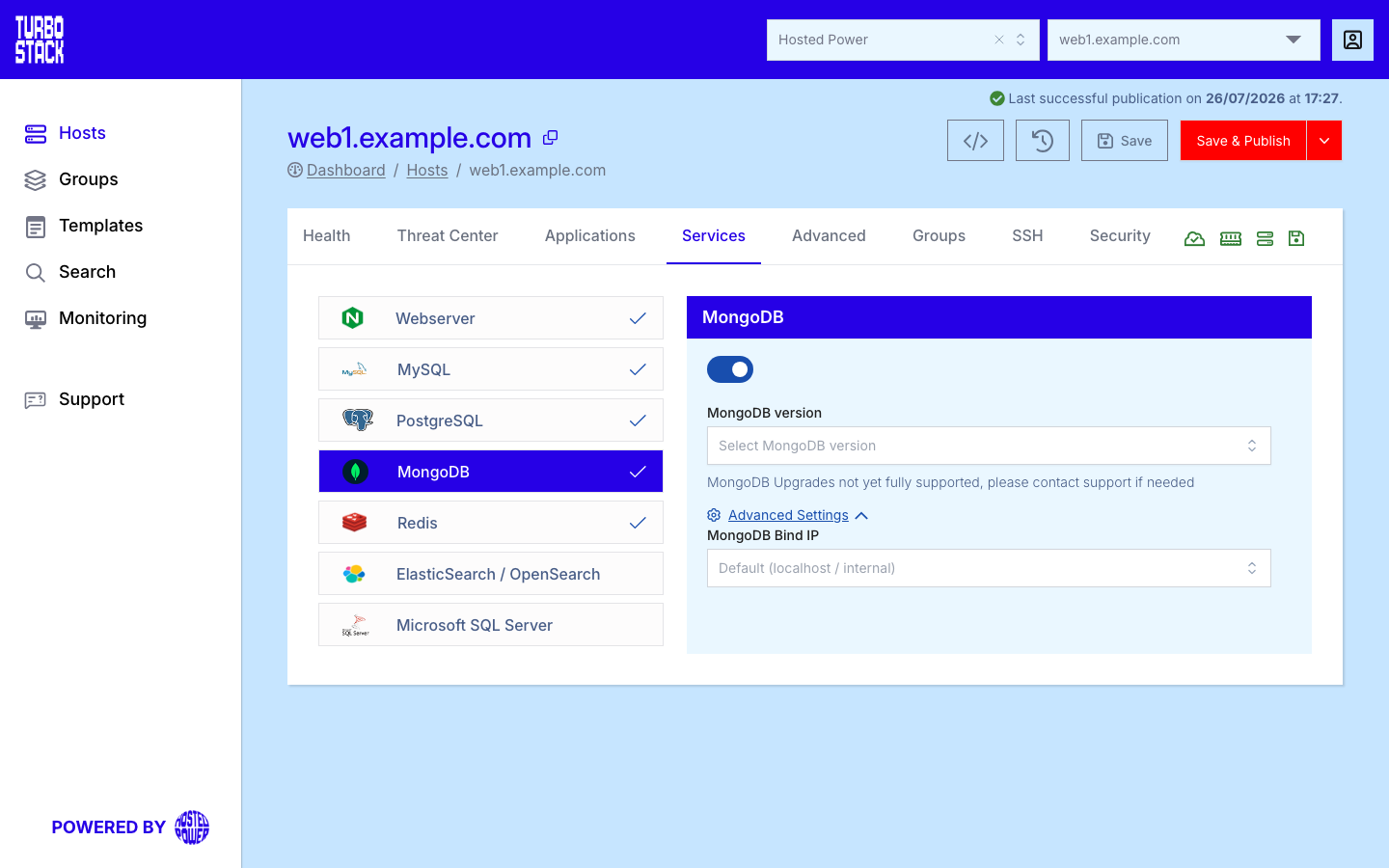
Where to configure it
MongoDB is a host-level service. To reach it, open the host, go to its Services tab, and find the MongoDB entry. Enable the service there and choose the version. The change is saved to the host's YAML configuration and applied on the next deployment.
Tip
MongoDB is enabled per host. Turn it on only for the hosts whose applications connect to it.
YAML configuration
Required
Optional
mongodb_version: "7.0"
# Optional, security-sensitive:
mongodb_bindip: "127.0.0.1"
Listening address
mongodb_bindip takes a comma-separated list of addresses, or the keyword ANY, which makes
MongoDB listen on every interface the server has, over both IPv4 and IPv6.
Warning
ANY includes any public interface. A database reachable from the internet is a serious risk, so
prefer specific private addresses, and restrict access with the
firewall whatever you choose.
Important
On a host that runs Kubernetes or Docker, MongoDB listens on every interface. Unlike the other
databases it does so even when mongodb_bindip is set to 127.0.0.1, so on such a host give a
specific private address if you need to keep it narrow.
Warning
Exposing MongoDB on a broad bind address can make the database reachable from outside the host. Restrict the bind IP and pair it with firewall rules so only trusted clients can connect.