
Configure the Firewall on TurboStack
Add trusted IPs, optional country rules, and the Web Application Firewall for a host - the firewall itself is managed for you.
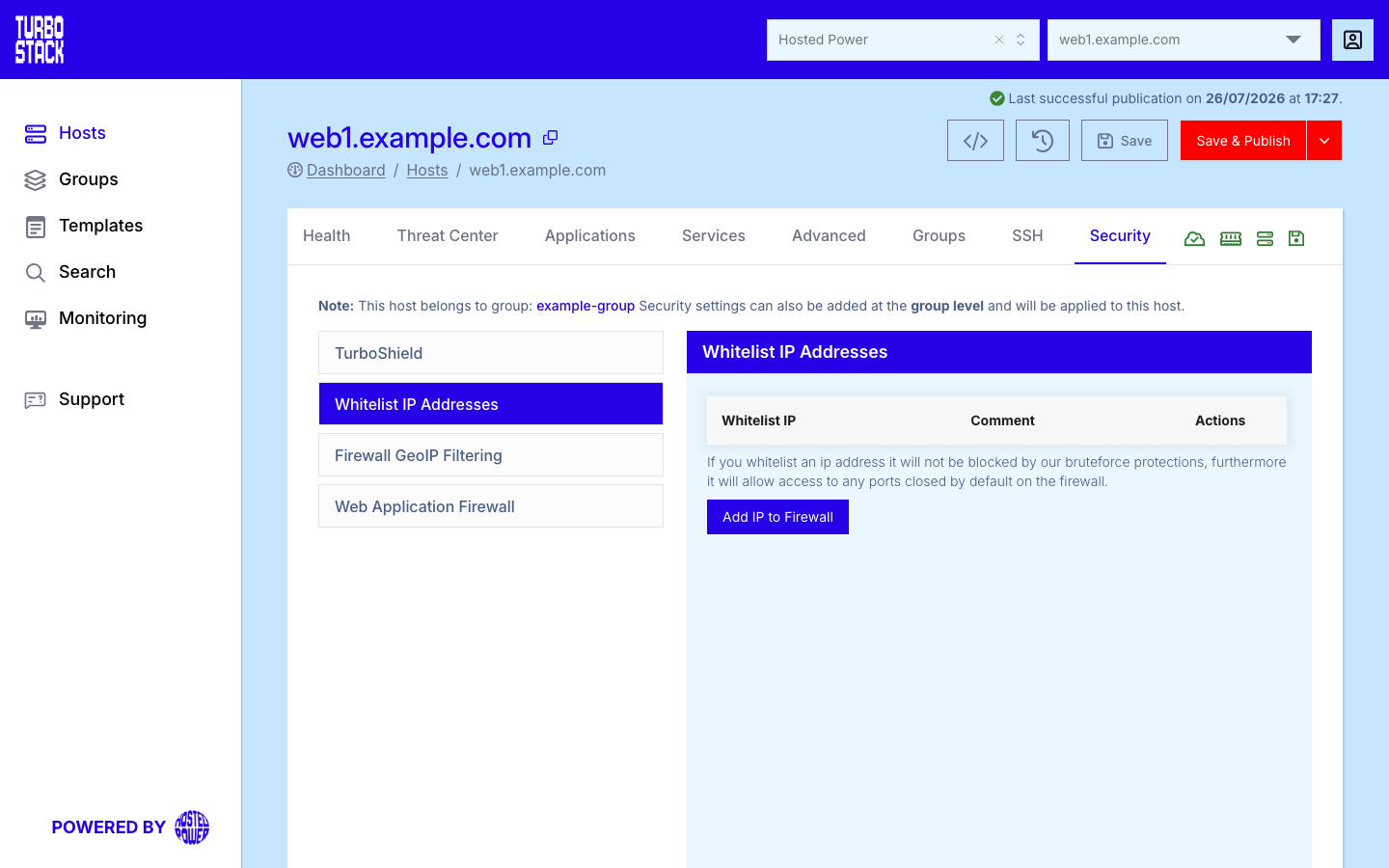
Where to configure it
The firewall is configured at the host level:
- Open the host.
- Go to the Security tab.
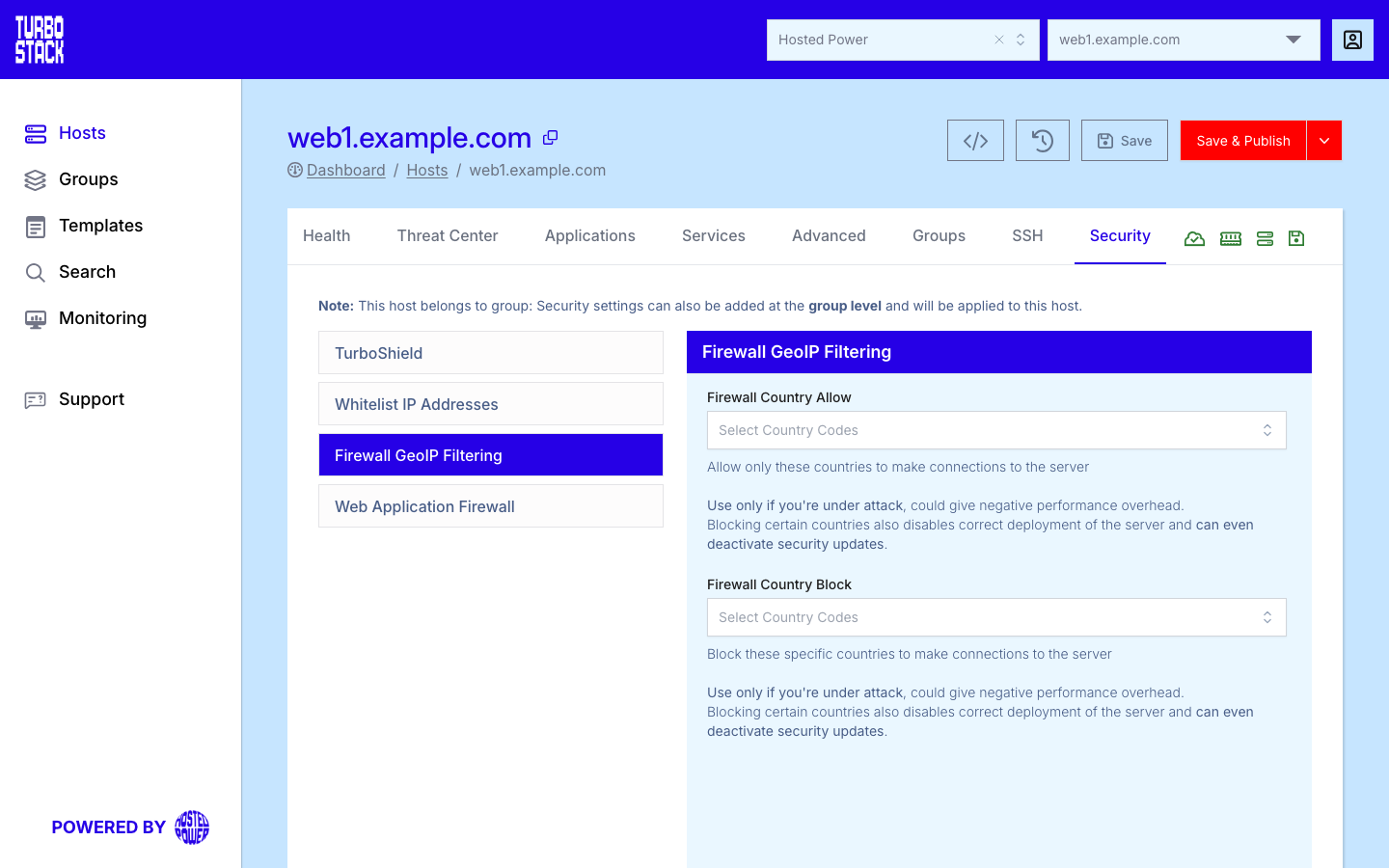
- Use Whitelist IP Addresses for trusted clients, Firewall GeoIP Filtering for country rules, and Web Application Firewall to enable the WAF.
These settings apply to every application on the host. The Web Application Firewall is a licensed add-on with a console of its own - see Web Application Firewall.
YAML configuration
Required
There are no required firewall keys - every setting below is optional. Add only the ones you need.
Optional
The Web Application Firewall is enabled with its toggle on the Security tab; it blocks common attacks such as SQL injection and XSS.
# Host-level: trusted IPs and a country block rule
firewall_whitelist:
  - 203.0.113.10
  - 198.51.100.0/24
firewall_country_block:
  - RU
Warning
Wide IP ranges and country blocks can have side effects - a broad CIDR trusts more clients than intended, and country rules can block legitimate users or third-party services. Keep entries narrow and test before relying on them.
Note
On hosts that run the cPanel or DirectAdmin control panel, the firewall can also be managed from the control panel's own firewall interface. See the control panel's documentation for the exact steps.
Common tasks
Related
- What is the Firewall?
- Host Security tab
- Security hardening
- TurboStack CLI - block, whitelist or check an IP with
tscli firewall