
Configure Python on TurboStack
Enable the Python runtime per application and serve your app behind the Nginx reverse proxy on TurboStack.
Enable the Python runtime on an application and choose the version your application needs.
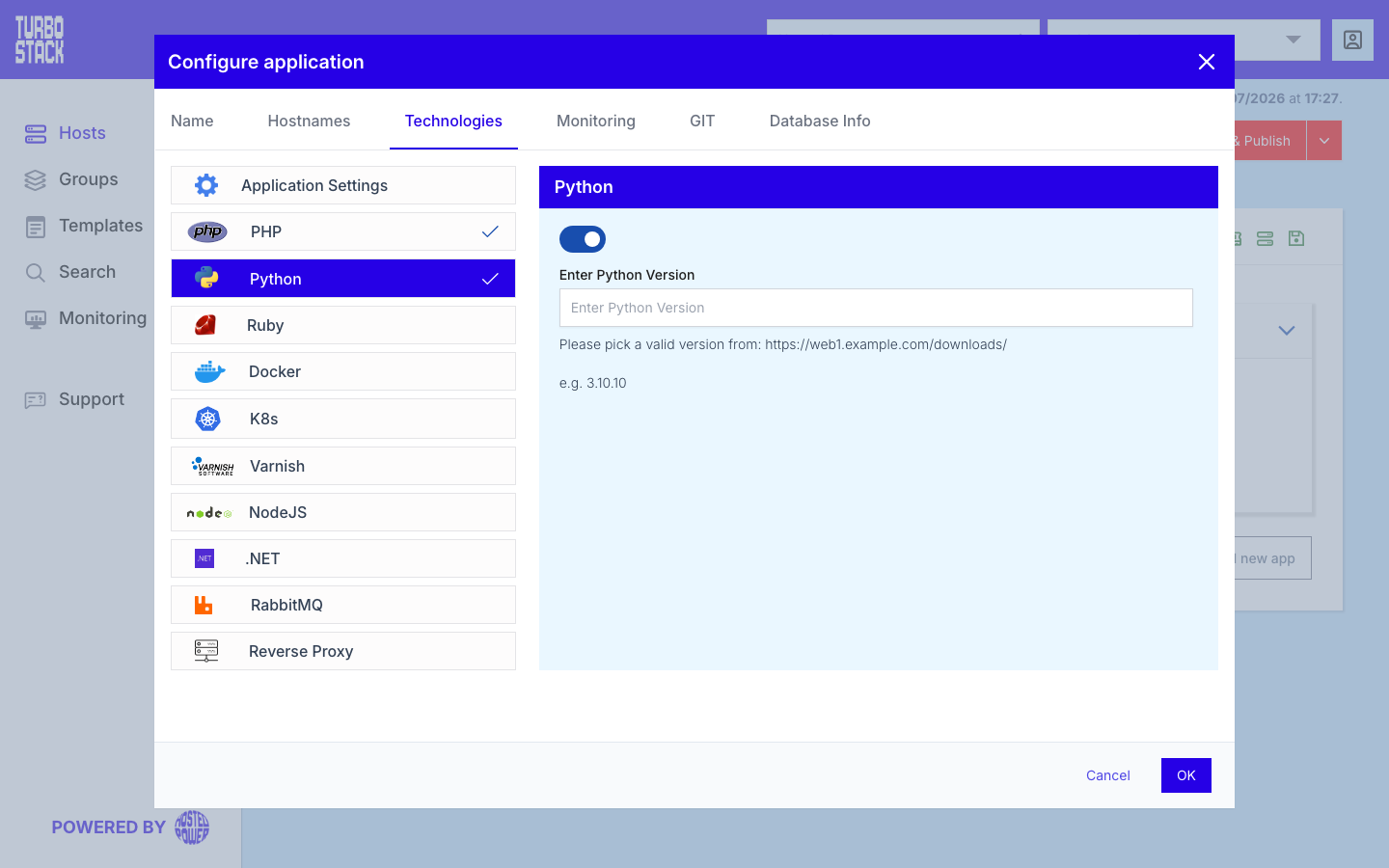
Where to configure it
The Python runtime is configured per application. In the TurboStack Platform, open an application and go to Configure application > Technologies > Python. From there you enable Python and select the version.
Python applications are usually published with the Nginx reverse proxy: your app listens on a local port and Nginx forwards public traffic to it. See Configure the reverse proxy for that part. If you are running Odoo, provision it through its dedicated app type instead - see Deploy Odoo.
YAML configuration
Required
python_version: "3.12"