
Configure Ruby on TurboStack
Enable the per-user Ruby runtime, set a startup command, and optionally run Sidekiq background jobs on TurboStack.
Enable the Ruby runtime on an application, choose its version, and optionally add a startup command and Sidekiq background workers.
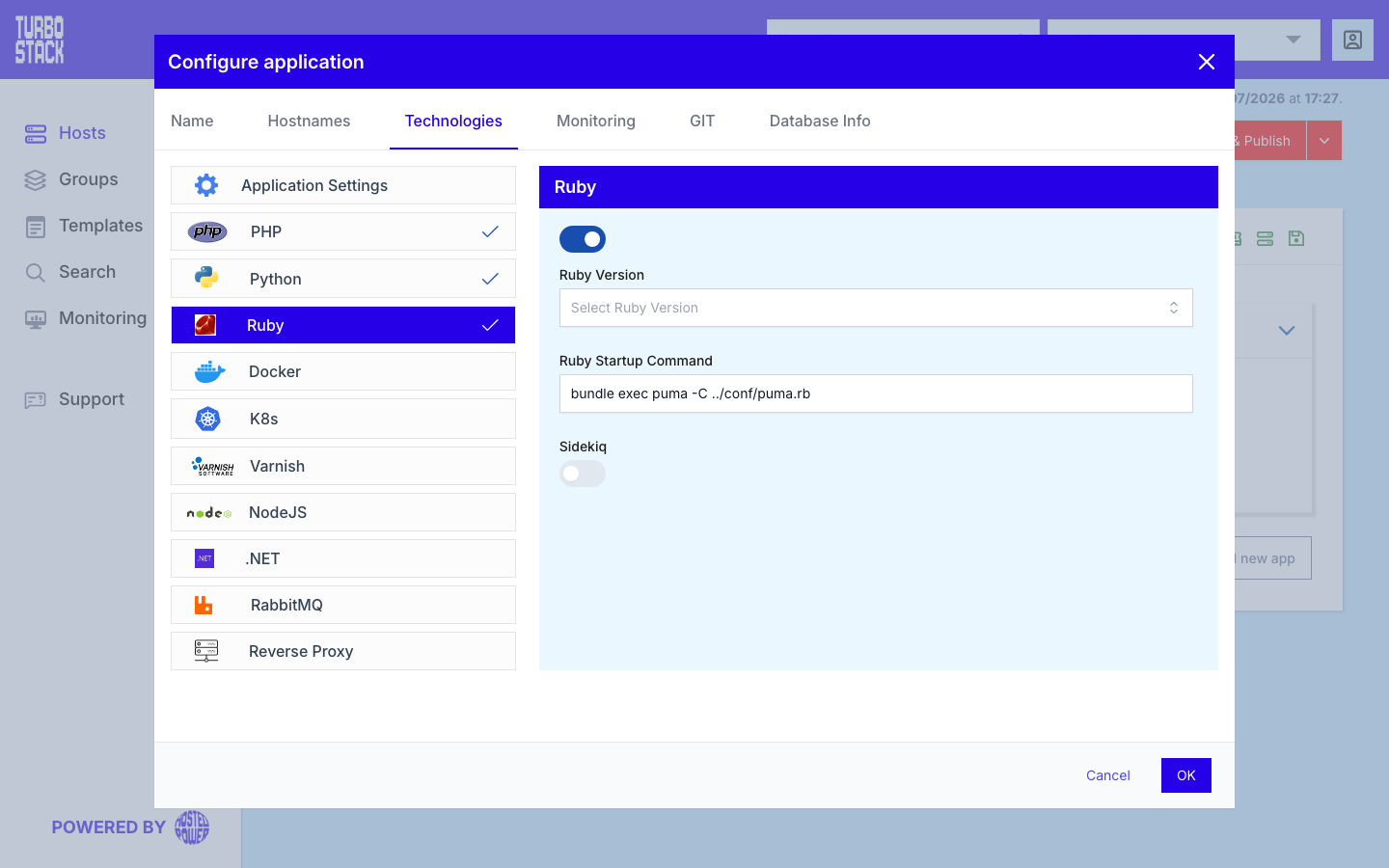
Where to configure it
The Ruby runtime is configured per application. In the TurboStack Platform, open an application and go to Configure application > Technologies > Ruby. From there you enable Ruby, select the version, and set how the application starts.
Ruby applications are published with the Nginx reverse proxy: your app listens on a local port and Nginx forwards public traffic to it. See Configure the reverse proxy for that part.
YAML configuration
Required
Optional
ruby_version: "3.3"
ruby_start_cmd: "bundle exec puma -p 3000"

# Optional background-job processing
ruby_sidekiq: true
ruby_sidekiq_cmd: "bundle exec sidekiq"