
Sign-in details
Change your Customer Center email address and password on the Change email and Change password tabs.
Your sign-in details are your email address and password. You change them on two tabs of Account details: Change email and Change password.
Change email
The Change email tab updates the email address you sign in with and that receives account emails.
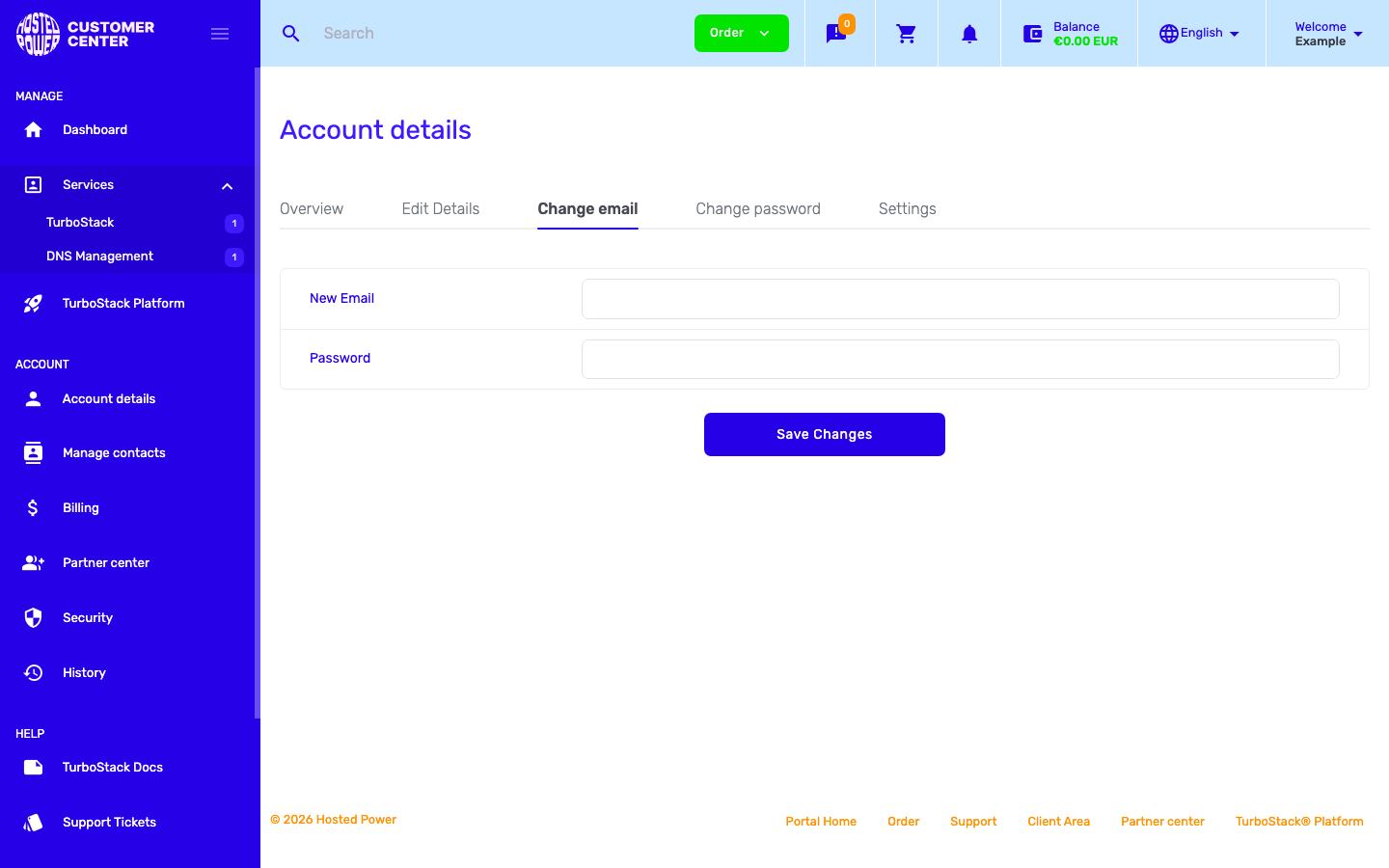
Enter the new email address, confirm it, and save. Use an address you can access, because it is also where notifications are sent.
Change password
The Change password tab sets a new password for your account.
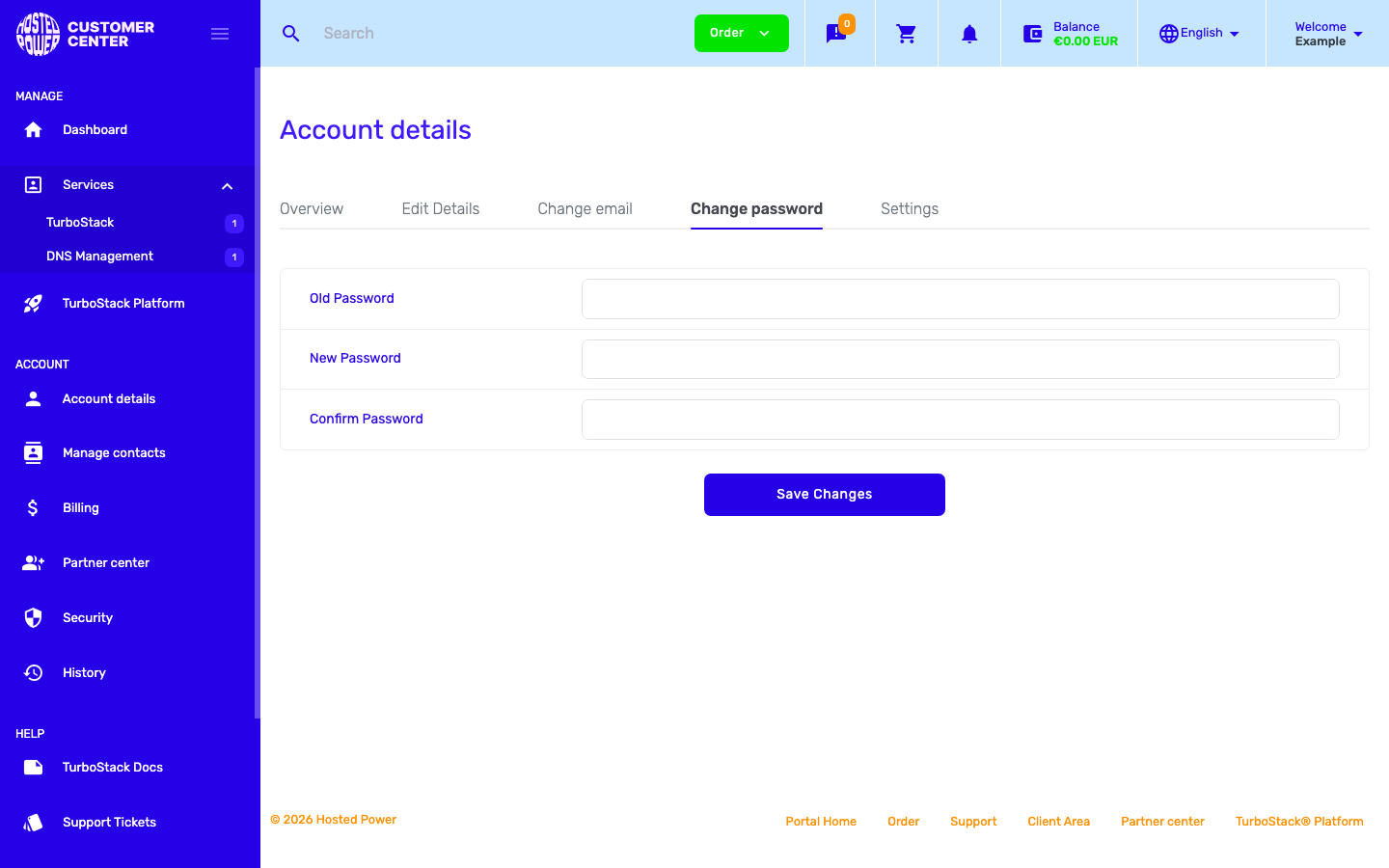
Enter your current password, then the new password twice, and save. Choose a strong, unique password.
Note
If you sign in with GitHub or Google (single sign-on), you manage your password with that provider, not here.