
Edit details
Update your name, company, tax number, address and phone numbers on the Edit Details tab.
The Edit Details tab is where you update your profile - the information used for your account and on invoices. Open Account details and select the Edit Details tab.
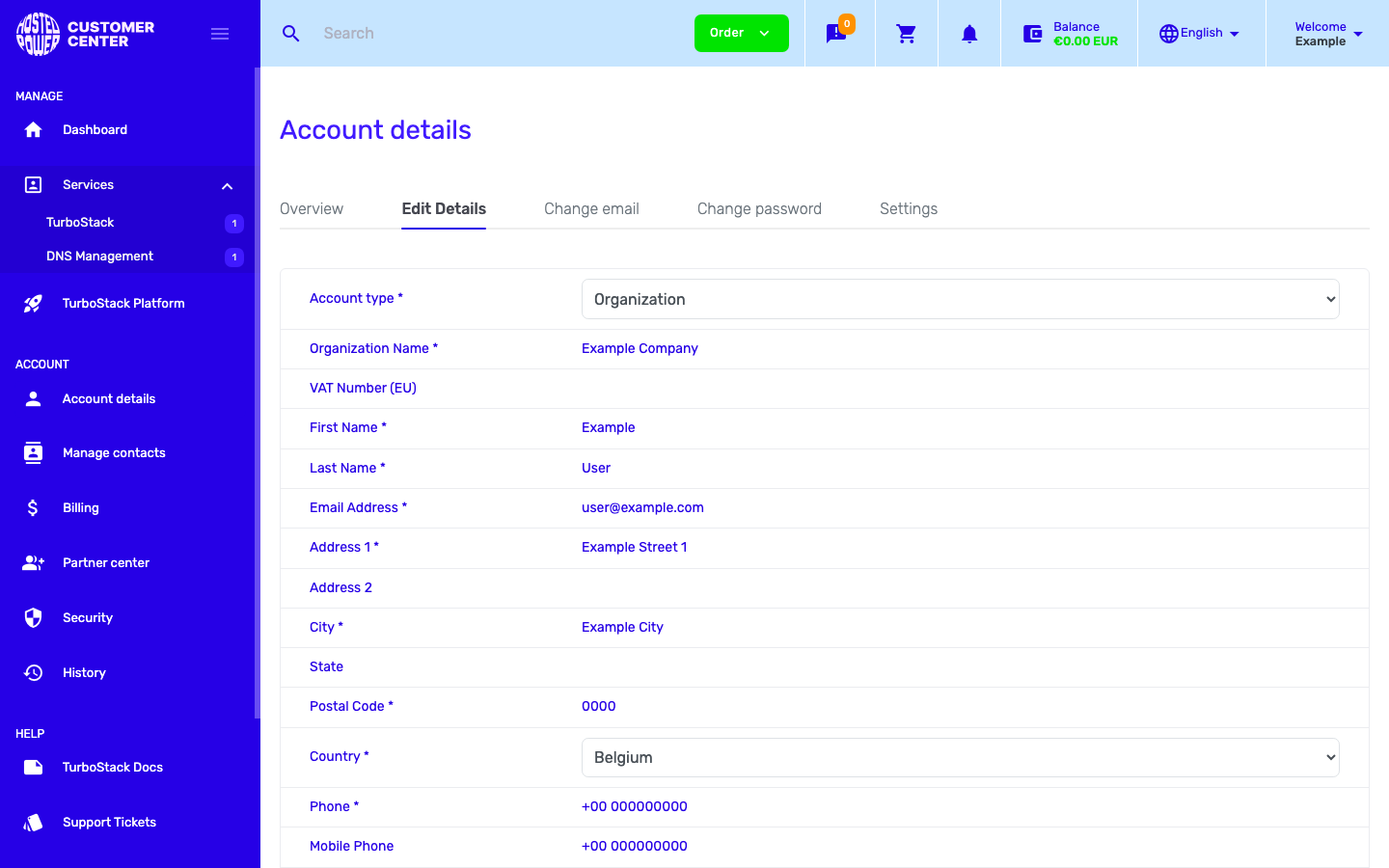
What you can change
- Account type - Personal or Organization.
- Organization name and tax (VAT) number - the Value Added Tax number, for organizations.
- First name and Last name.
- Address, city, state, postal code and country.
- Phone and mobile phone.
Make your changes and save the form. To change your sign-in email or password instead, see Sign-in details.
Note
Your address and tax number appear on invoices, so keep them correct. The billing contact setting decides whose details are used.