
Account details overview
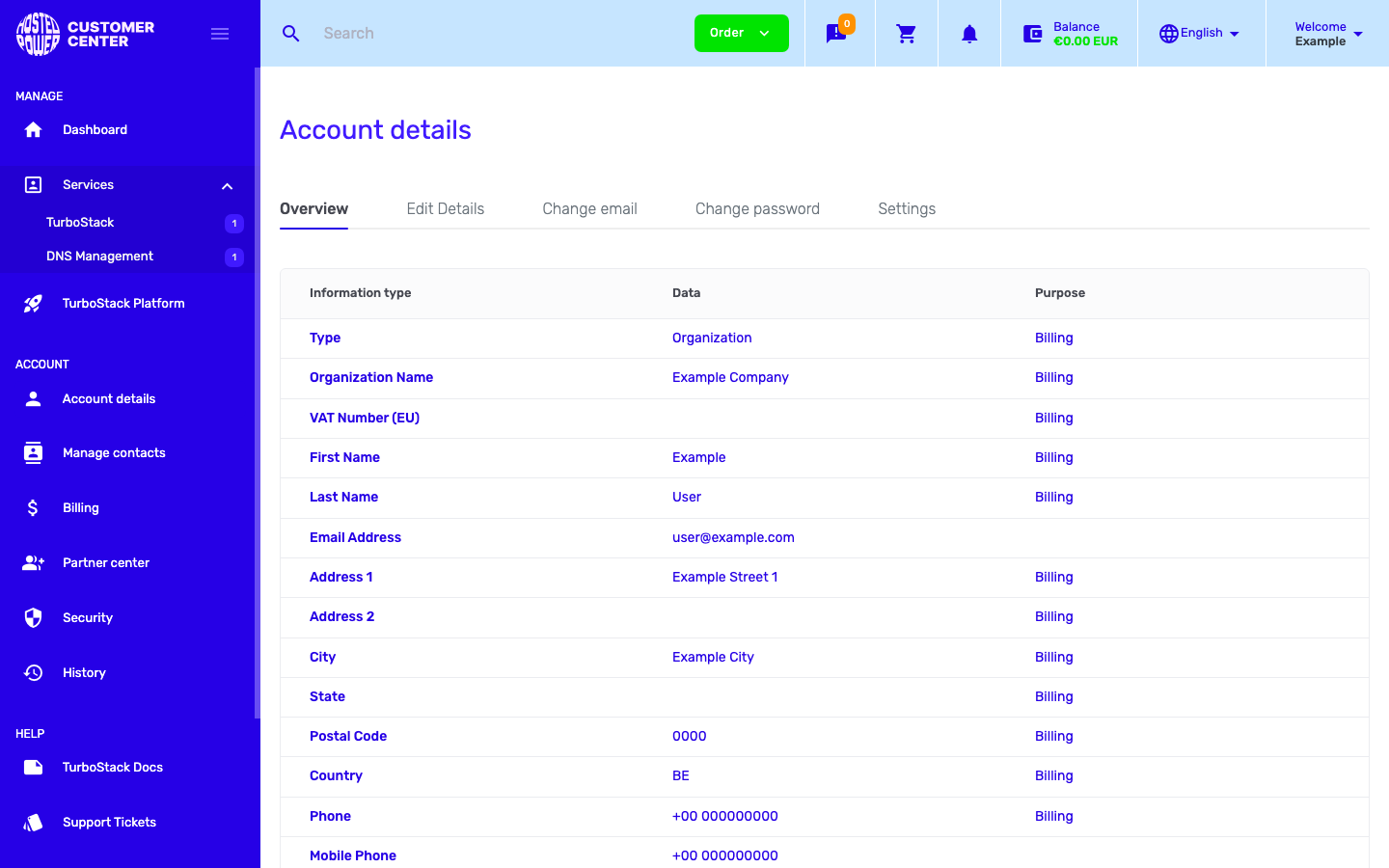
Account details is where you manage your own profile and account settings. Open it from Account details in the left sidebar. It has five tabs: Overview, Edit details, Change email, Change password and Settings.
This section covers:
-
Overview - read-only summary of your account information. -
Edit details - change your name, company, address and contact details.
-
Sign-in details - change your email address and password on the Change email and Change password tabs.
-
Settings - records-per-page, time zone, billing, and which notifications you receive.
Overview
The Overview tab lists your account information in a read-only table: account type, organization name, tax (VAT) number, name, email address, postal address, country and phone numbers. Each row also shows what the information is used for (for example Billing).
To change any of this, use the other tabs - see Edit details and Sign-in details.