
Domains
Search for and register domain names, or transfer an existing domain to Hosted Power, from the Customer Center.
Search and register a domain
- Open the Order menu and select Domain Names.
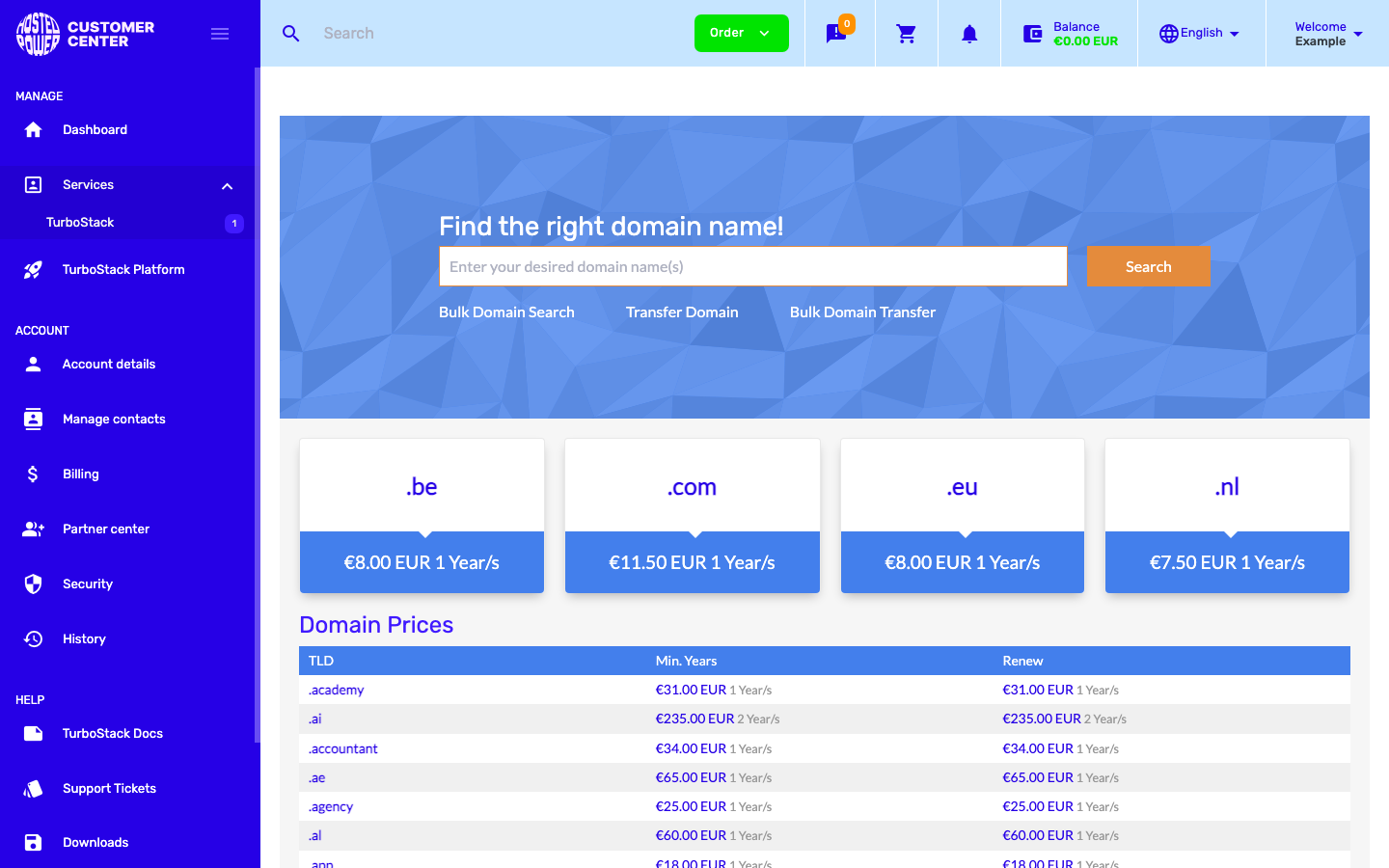
- Type the name you want in the search box and select Search.
-
The results show which names are available and the price per year. Common top-level domains (TLDs) such as
.be,.com,.euand.nlare listed with their pricing, and the full price list is shown below the search. -
Add the domain you want to your cart and complete the order.
Use Bulk Domain Search to check several names at once.
Transfer a domain
To move a domain you already own to Hosted Power, select Transfer Domain (or Bulk Domain Transfer for several at once). You will need the domain's authorization code (also called an EPP code, short for Extensible Provisioning Protocol, or a transfer code) from your current registrar, and the domain must be unlocked.
Before you start, confirm the domain's administrative contact email is current at your registrar. The transfer authorization email is sent to that address, and you must approve it to complete the transfer.
Manage a domain
After a domain is registered or transferred, it appears under your services. Open it to manage its settings, such as the nameservers and contact details. To manage the domain's records, see DNS management.
Cancel a domain
Domains are registered and paid for one year at a time. To stop a domain from renewing, turn off its auto-renewal - it then keeps working until the paid period ends and is not charged again:
-
Open Services > Domains in the sidebar and select the domain you no longer need (use the arrow to open it).
-
Open the Auto-renew setting and set it to Off.
-
Save the change.
Note
Disabling auto-renewal does not delete the domain right away. It stays active until the current paid period expires, after which it is no longer charged to your account.