
Support
The Support page brings together the different ways to get help with TurboStack when you need more than the documentation can offer.
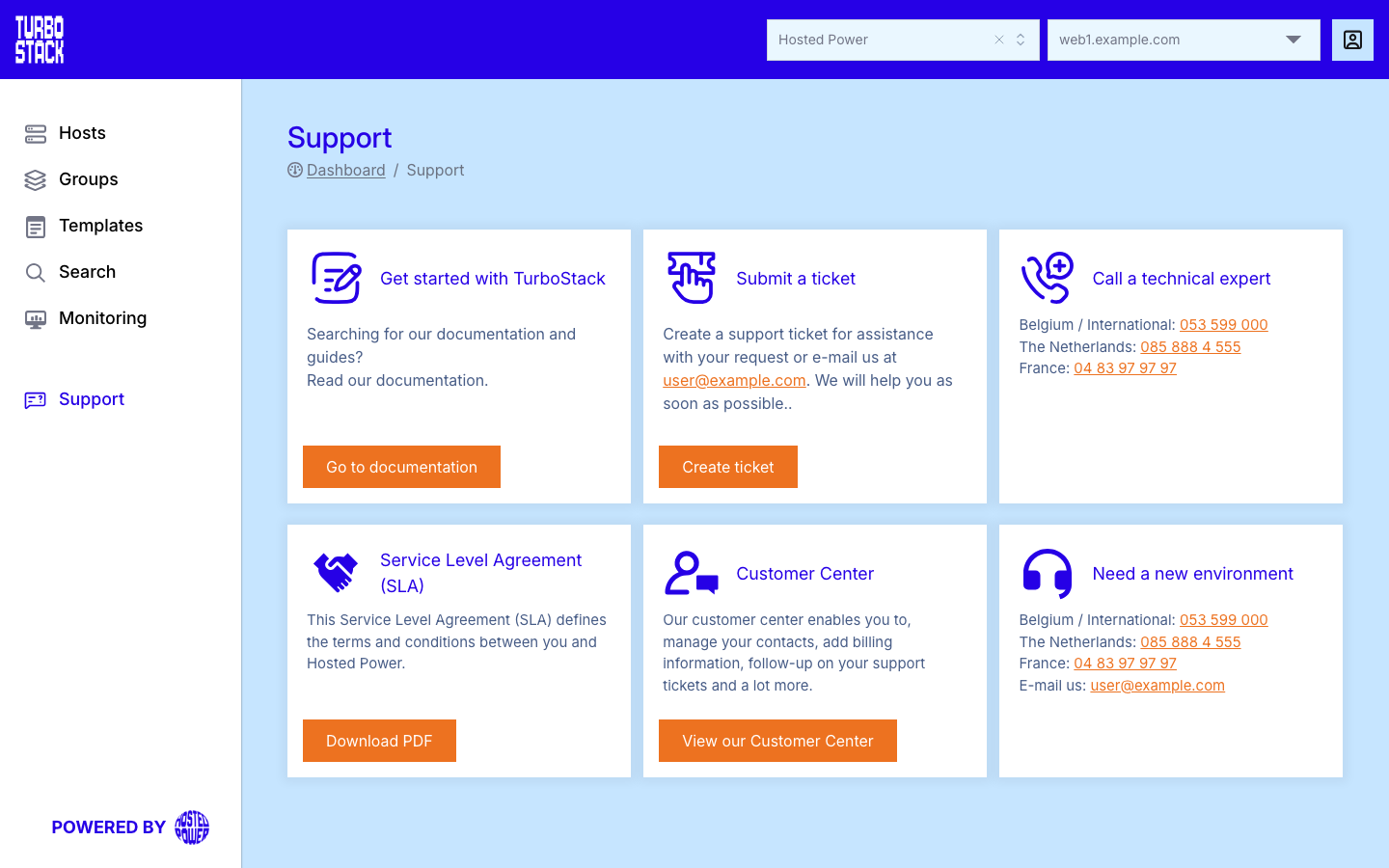
What you will find
On the Support page you can find:
- Contact details, including phone and email, for reaching the support team.
- Links to documentation for self-service help.
- Service Level Agreement (SLA) and service information describing the support you can expect.
Service Level Agreement and Terms of Service
The Support page links to your SLA. Both documents are published on the Hosted Power website:
The published documents are the binding versions. For questions about which agreement applies to your account, contact sales.
Contact the service desk
Reach the support team by email at support@hosted-power.com or by phone:
Office hours are Monday to Thursday, 08:45 - 17:30 and Friday, 08:45 - 16:30. Outside those hours, use the emergency service below.
Round-the-clock emergency service
When the service desk is closed, an emergency service runs around the clock for failures that cause the critical unavailability of services Hosted Power is contracted to provide or support. Access to the emergency hotline is included when your Service Level Agreement (SLA) covers it; you can find the number in your Hosted Power Customer Center. Report the issue by phone first, then send a confirming email to support@hosted-power.com describing it (unless agreed otherwise).
TurboStack also monitors your environments proactively, 24 hours a day, 7 days a week, so many problems are caught before they affect your site. When a critical situation is detected, an on-call procedure starts and an on-call engineer responds within the response time set by your SLA - for example under 30 minutes on a Standard SLA, or under 15 minutes on a Platinum SLA. If the issue is not resolved, it follows a fixed escalation path: from the operations engineer to the technical team lead, and, if needed, to the CEO. For commercial matters the escalation follows a separate path, starting with your account manager and moving to the COO and, if needed, the CEO.
Critical and non-critical issues
When you report an issue, TurboStack decides whether it is a critical unavailability. This analysis happens within the Service Level Agreement (SLA) response time and is done remotely, by phone, email, or monitoring tools.
A critical issue is anything that prevents the correct functioning of your server and needs immediate attention. This covers defects in the data center infrastructure, the network, the hardware, and the server services that cause a proven unavailability of the services provided.
A non-critical issue is any other question that does not cause unavailability. Examples include:
- Questions about how to use the services.
- Software support for applications TurboStack provides.
- Configuration changes that are not needed to fix a critical problem.
Non-critical issues are also analyzed within the SLA response time and handled remotely. You may be asked for more information, or to carry out simple checks or changes together with the support team.
When to use Support
Use the Support page when you need help beyond the documentation - technical and operational issues. You can also contact Support to enable platform features that Hosted Power provisions, such as Virtual Private Network (VPN) or high availability. For commercial questions - plans, pricing, upgrades or contracts - contact sales instead.
Note
Some features, such as those described in Networking, are provisioned by Hosted Power. Contact Support through this page to request them.
Before you contact support
Many issues have a self-service fix - check these first:
-
The host's Health tab and the Monitoring dashboard.
-
Recent deployments in History, and the application's troubleshooting page under Applications.
-
The general Troubleshooting page.
What to include in a request
For a faster answer, include:
- The host name and the application/domain affected.
- What you expected versus what happened, and when it started.
- Any error message or relevant log output (see the application's Troubleshooting page).
- Whether a recent publish/deploy preceded the problem.